Choosing between VPS and shared hosting is one of the first big decisions for any website owner. Pick too small and your site crawls. Pick too big and you overpay for power you never use.
This guide compares VPS vs shared hosting on performance, security, cost, and ease of use, so you can decide in a few minutes.
The short answer: shared hosting suits small, low-traffic sites and beginners. A VPS suits growing sites, online stores, and anyone who needs more speed, control, or isolation.
What Is Shared Hosting?
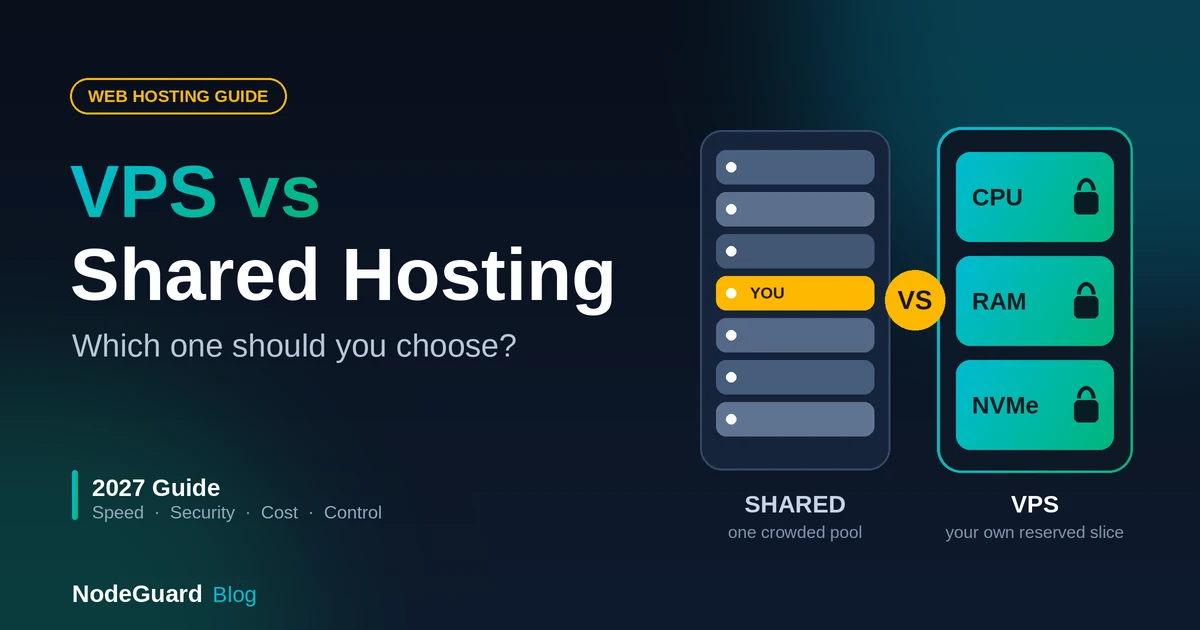
Shared hosting puts many websites on one server. They all share the same CPU, RAM, and disk space. Think of it as renting a room in a large apartment: you get your own space, but the kitchen and bathroom are shared.
The provider manages everything behind the scenes, including server software, updates, and maintenance. You get a control panel, upload your site, and go live.
Shared hosting works well for:
- Personal blogs and portfolios
- Small business brochure sites
- New websites still building an audience
- Anyone who wants zero server management
In the VPS vs shared hosting debate, shared hosting wins on simplicity and price.
The trade-off: because resources are shared, a traffic spike on one site can slow down the others. You also have limited control over server settings.
What Is a VPS?
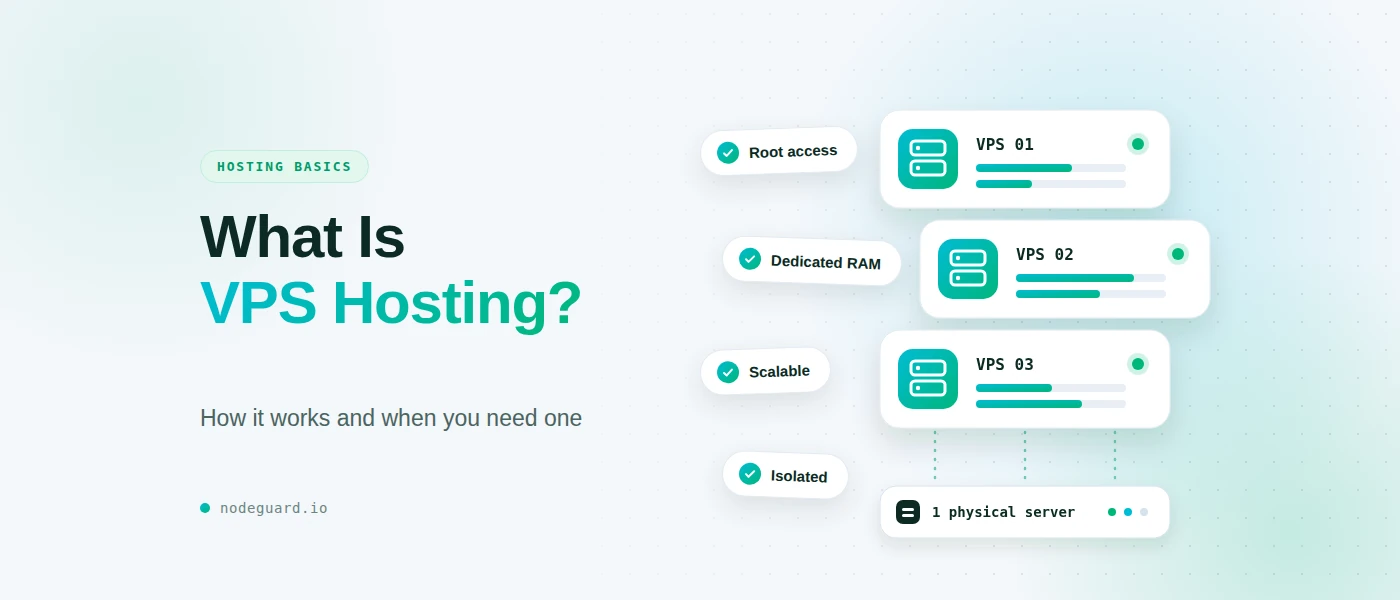
A VPS (Virtual Private Server) is a virtual machine carved out of a powerful physical server. Your plan reserves a set amount of CPU, RAM, and storage for you alone.
Back to the apartment analogy: a VPS is your own flat in the same building. You share the structure, but the space is private, and you decide how to use it.
You usually get root access, so you can install custom software, tune performance, and configure the server as you like.
A VPS works well for:
- Growing websites and busy WordPress sites
- Online stores and web applications
- Developers who need custom software
- Projects that need predictable performance
In the VPS vs shared hosting debate, a VPS wins on power and control.
The trade-off: you get more power and more responsibility. Unless you choose a managed plan, you maintain the server yourself.
VPS vs Shared Hosting: Key Differences at a Glance
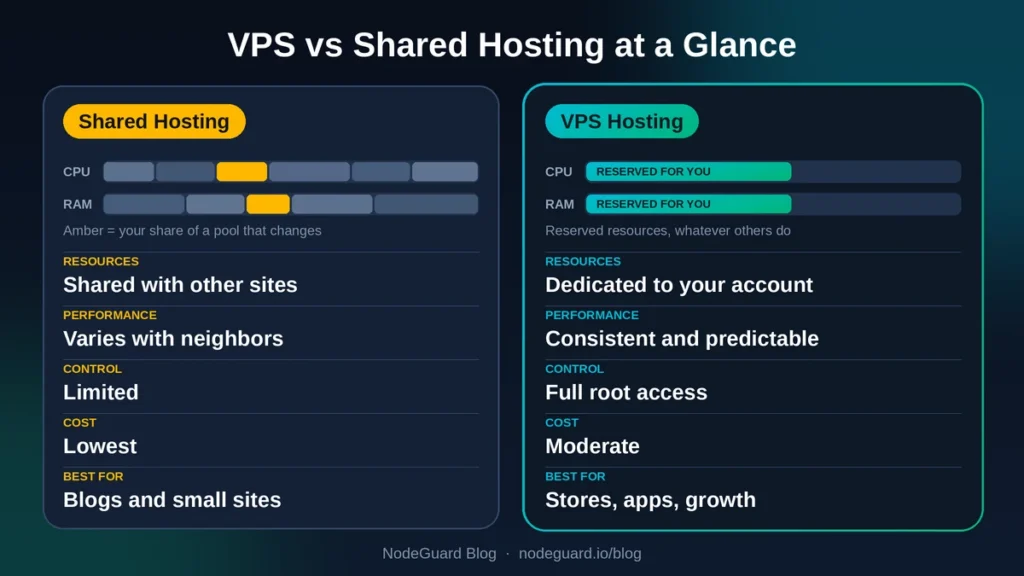
| Feature | Shared Hosting | VPS Hosting |
|---|---|---|
| Resources | Shared with other sites | Dedicated to your account |
| Performance | Varies with neighbors | Consistent and predictable |
| Control | Limited | Full (root access) |
| Security isolation | Basic | Stronger |
| Scalability | Limited | Easy to upgrade |
| Technical skill | Beginner-friendly | Moderate to advanced |
| Cost | Lowest | Moderate |
Now let’s look at each part of the VPS vs shared hosting comparison in more detail.
VPS vs Shared Hosting Performance: Which Is Faster?
Performance is where the VPS vs shared hosting gap shows most clearly.
On shared hosting, your site draws from a common pool of resources. When a neighboring site gets a traffic surge, your pages can slow down. Providers limit how much each account can use to keep things fair, so you may hit those limits during busy periods.
A VPS gives you guaranteed resources. Your CPU cores and RAM are reserved, so performance stays steady even when other users on the same physical machine are busy. That consistency matters for stores and applications where slow pages cost sales.
Speed also affects SEO. Google uses page experience as a ranking signal, and slow sites lose visitors fast. If your pages already feel sluggish on shared hosting, a VPS is often the fix.
Winner for performance: VPS.
Security: VPS vs Shared Hosting
On a shared server, your site lives alongside many others. Good providers isolate accounts from each other, but you still depend on the provider’s configuration. If another site on the server is poorly maintained, the shared environment carries more risk.
A VPS provides stronger isolation. Your files, processes, and configuration are separated from other users at the virtual machine level. You can also install your own firewall rules, security tools, and monitoring.
There’s a catch. With a VPS, security becomes your job unless you pay for management. You need to apply updates, harden access, and keep backups. Shared hosting handles most of this for you.
Winner for security: VPS for isolation and control, shared hosting for hands-off simplicity.
Overall, VPS vs shared hosting security comes down to isolation versus convenience.
VPS vs Shared Hosting Cost: Is a VPS Worth the Extra Money?
Shared hosting is the cheapest way to get online. Plans typically cost only a few euros per month, which makes them ideal when budgets are tight or a project is just starting.
VPS plans cost more, but the price reflects dedicated resources. Consider what you get per euro: reserved performance, root access, and room to grow. For a business site making money, a small monthly difference is often trivial compared with the cost of downtime or lost sales.
Also count your time. A cheap plan that constantly slows down or hits limits has a hidden cost. A VPS you can’t manage has one too. Choose the option that matches your skills as well as your budget.
Winner for cost: shared hosting for the lowest price, VPS for the best value at scale.
Ease of Use: Who Needs Technical Skills?
Shared hosting is designed for beginners. You log in to a control panel, install WordPress in a few clicks, create email accounts, and manage domains. There’s no command line and no server maintenance.
A VPS gives you more freedom, which also means more to learn. With an unmanaged VPS, you handle software installation, updates, security, and troubleshooting. That’s great if you enjoy it or have a developer on hand.
If you want VPS performance without the workload, look for a managed VPS or a plan that includes a control panel. You get the power without the sysadmin duties.
Winner for ease of use: shared hosting.
Who Should Choose Shared Hosting?
Shared hosting is the right choice if:
- You’re launching your first website
- Your traffic is low, say a few thousand visits per month
- Your site is mostly static content like a blog or portfolio
- You want the lowest cost possible
- You don’t want to manage a server
For many small sites, shared hosting is all you’ll ever need. There’s no shame in starting small. Upgrade when your site proves it needs more. When weighing VPS vs shared hosting, don’t pay for power you won’t use.
Who Should Choose a VPS?
A VPS makes sense if:
- Your site is growing and starting to slow down
- You run an online store or handle customer data
- You need custom software, specific PHP versions, or server-level settings
- You host multiple websites or client projects
- You want predictable performance during traffic spikes
If your site earns money or supports your business, a VPS is usually the safer long-term foundation.
5 Signs It’s Time to Upgrade From Shared Hosting to VPS
Not sure whether you’ve outgrown shared hosting? Watch for these warning signs:
- Slow page loads that get worse during busy hours
- Resource limit warnings from your host, such as CPU or memory throttling
- Frequent downtime or 500-series errors during traffic spikes
- Growing traffic that your plan wasn’t designed for
- Special requirements like custom software that shared hosting won’t allow
If you recognize two or more, it’s time to compare VPS options. Moving earlier is cheaper than losing visitors to a slow site.
Quick Decision Guide
Use this quick VPS vs shared hosting checklist. Answer these three questions:
- Is your site new or low-traffic? Start with shared hosting.
- Do you need speed, control, or custom software? Choose a VPS.
- Do you want power without server work? Choose a managed VPS or a managed WordPress plan.
Most importantly, choose a provider that lets you upgrade easily. Starting on shared hosting and moving to a VPS later is a common, painless path.
Frequently Asked Questions
What is the main difference in VPS vs shared hosting?
Resources. Shared hosting splits one server among many sites, while a VPS reserves a slice just for you.
Is a VPS better than shared hosting?
A VPS is better for performance, isolation, and control. Shared hosting is better for simplicity and low cost. “Better” depends on your needs.
Can I run WordPress on shared hosting?
Yes. Shared hosting runs WordPress well for small and medium sites. If you want speed without the setup, a managed WordPress plan can also be a good fit.
Is a VPS hard to manage?
Unmanaged VPS plans require some technical knowledge. Managed VPS plans and control panels make it much easier.
Can I upgrade later?
Yes. Most hosts let you move from shared hosting to a VPS as your site grows.
Is VPS or shared hosting better for SEO?
Neither one ranks your site directly. Google doesn’t care which plan you use, but it does reward fast, reliable pages. In the VPS vs shared hosting comparison, a VPS has the edge when your site is slow, hits resource limits, or gets traffic spikes, because its reserved resources keep load times steady. A small, low-traffic site on shared hosting can rank just as well.
Final Thoughts
The VPS vs shared hosting choice comes down to where your website is today and where it’s heading. Shared hosting is the simple, affordable starting point. A VPS is the step up when you need consistent speed, stronger isolation, and full control.
Start with what you need now, and upgrade when your traffic or requirements demand it.
Ready to choose? Explore shared web hosting, managed WordPress hosting, or Cloud VPS plans at NodeGuard and find the right fit for your project.