If you are outgrowing shared hosting, you have probably noticed two options that sound almost identical: a virtual private server and “the cloud.” The VPS vs cloud hosting debate confuses a lot of site owners because the marketing around both is full of the same words: scalable, flexible, powerful, reliable. Underneath the buzzwords, though, they are built differently, they behave differently under load, and they are billed differently.
This guide to VPS vs cloud hosting cuts through that. You will learn what each model actually is, the seven differences that matter in practice, who each one suits, and how to pick without overpaying or boxing yourself in. By the end, you should be able to look at your own project and know which way to go.
What Is VPS Hosting?
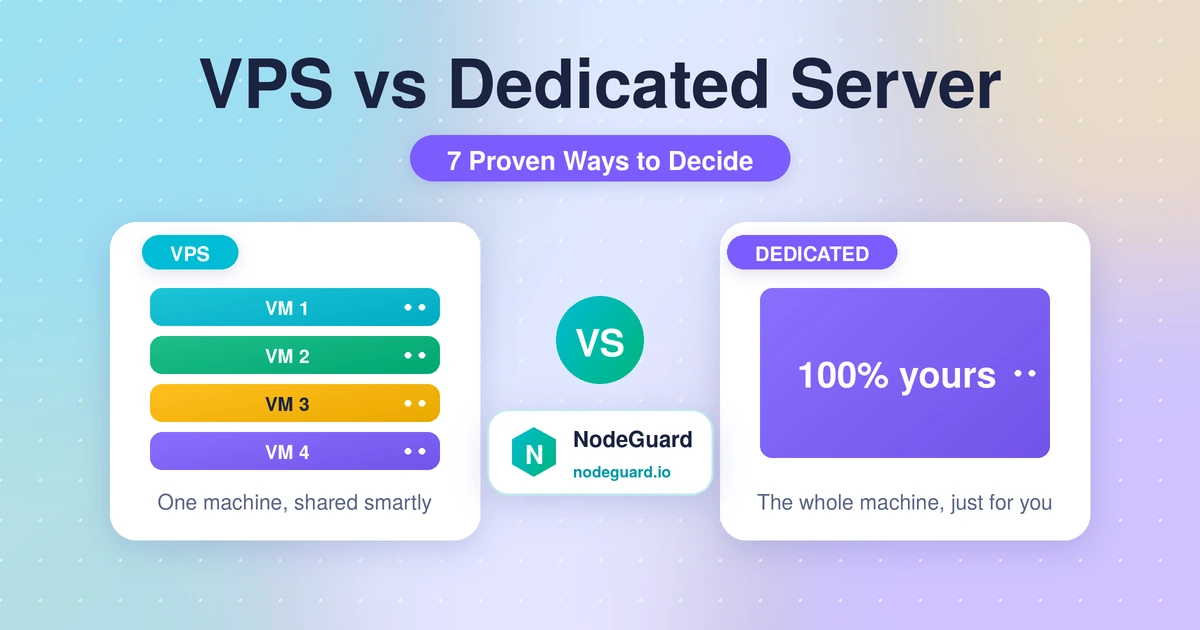
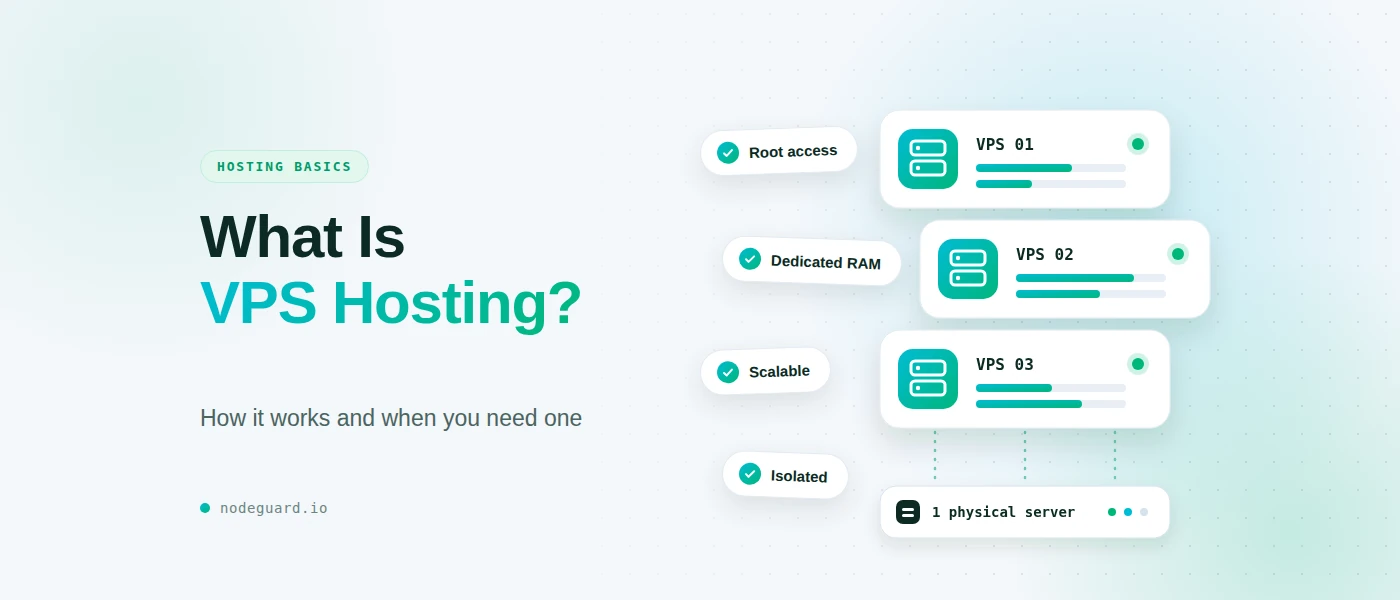
A virtual private server (VPS) is a slice of one physical machine that has been carved into isolated virtual environments. A piece of software called a hypervisor divides the server’s CPU, memory and storage into separate virtual machines, so each customer gets a fixed allocation that behaves like a dedicated server of its own. If you want the formal definition, the virtual private server entry gives a good overview.
The key points about a VPS:
- You get a defined set of resources. For example, 2 vCPUs, 4 GB of RAM and 80 GB of NVMe storage. Those numbers are yours, whatever your neighbours do.
- You usually get root access. You can install your own software stack, change configuration files, run background services and choose your operating system.
- It lives on one host. Your virtual server sits on a single physical machine, which matters for reliability, as we will see below.
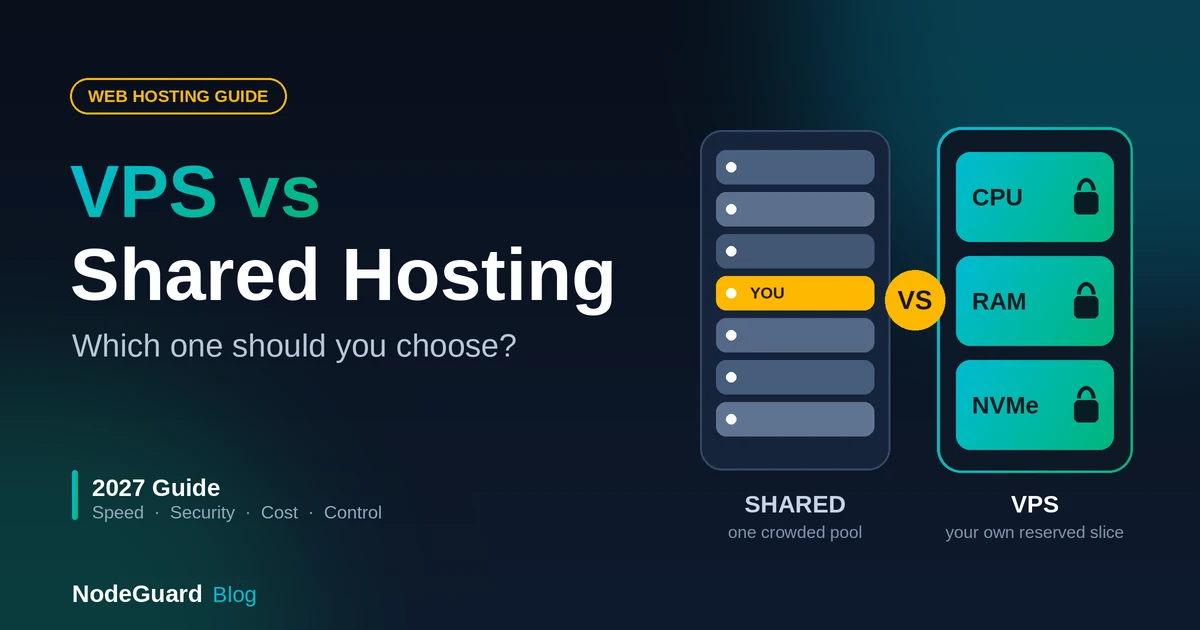
A VPS is the natural step up from shared hosting. If you are still deciding between those two, our guide on VPS vs shared hosting covers that comparison in detail.
What Is Cloud Hosting?
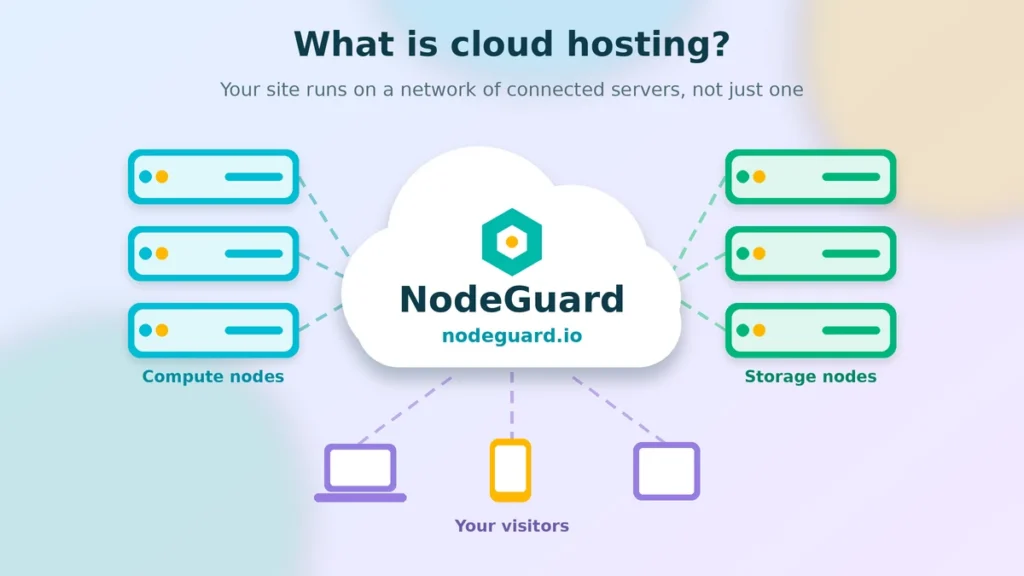
Cloud hosting runs your website or application on a network of connected servers instead of a single machine. The NIST definition of cloud computing describes the model as a pool of shared, configurable computing resources that can be provisioned quickly with minimal management effort. In practice, that pool is spread across many physical servers, and your workload draws on it as needed.
What makes this different from a classic VPS:
- Resources are pooled. Storage, compute and networking are drawn from a large shared infrastructure rather than one box.
- Capacity can change quickly. You can add or remove resources in minutes, and in many setups you can add whole extra servers to share the load.
- Billing is often usage-based. Many cloud platforms charge for what you consume, by the hour or even by the minute, rather than a flat monthly fee.
Here is the part that trips people up: the two overlap. Many modern VPS products run on cloud infrastructure, with virtual machines that can be resized, snapshotted and moved between hosts. So the real question is not always “VPS or cloud” but “how much flexibility and automation do I need on top of a virtual server?”
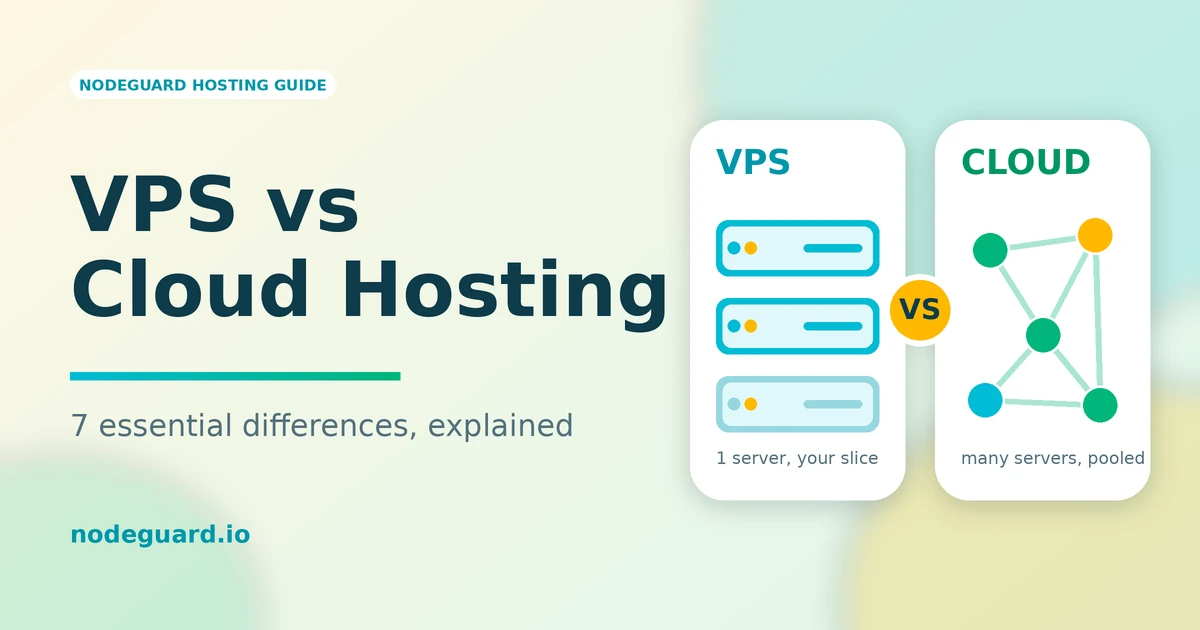
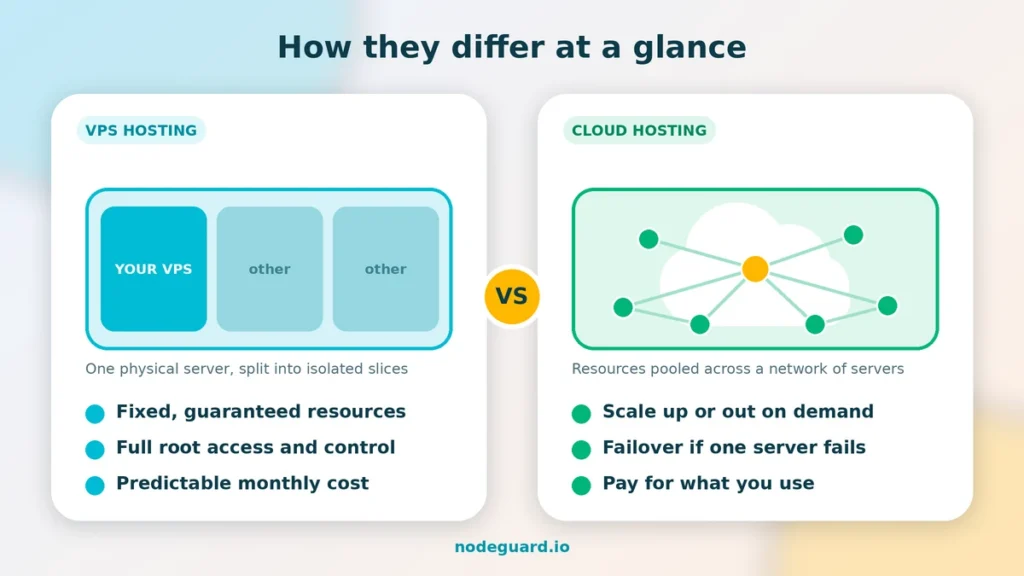
VPS vs cloud hosting comparison: one server split into slices versus resources pooled across many servers
VPS vs Cloud Hosting: 7 Essential Differences
1. Infrastructure: One Host vs Many
The most basic difference is where your workload runs. A traditional VPS lives on a single physical server, shared with a limited number of other virtual machines. Cloud hosting spreads resources across a cluster of servers, so no single machine is responsible for your site.
That architectural choice drives almost everything else on this list. A single host is simple and predictable. A cluster is more complex but more resilient and elastic.
2. Scalability: Fixed Slices vs Elastic Capacity
With a VPS, your resources are fixed until you change plans. Need more RAM? You upgrade to a bigger plan, and depending on the provider, that may involve a short reboot or a migration. You are also limited by the capacity of the physical host your server sits on.
Cloud hosting is built for elasticity. You can scale up by resizing a server, or scale out by adding more servers behind a load balancer. This is a big advantage if your traffic is spiky: a product launch, a viral post, a seasonal sale or an unpredictable API workload.
If your traffic is steady and predictable, though, that elasticity is something you pay for but rarely use.
3. Reliability: Single Point of Failure vs Built-In Redundancy
When the physical server under your VPS has a hardware problem, your VPS is affected. Good providers reduce the risk with redundant power, networking, RAID storage and fast hardware replacement, but the underlying design still depends on one host.
Cloud platforms are designed around the assumption that individual servers will fail. Workloads can be restarted on another node, and data is typically replicated, so a single hardware fault is less likely to take you offline. If downtime costs you real money every minute, this redundancy is one of the strongest reasons to look at cloud architecture.
Keep in mind that you only get this benefit if you configure for it. A single cloud instance with no backups and no failover is not automatically safer than a well-run VPS.
4. Performance: Predictable vs Variable
A VPS gives you a stable, dedicated allocation of resources. Performance tends to be consistent because your slice is reserved for you, and that consistency is valuable for databases, game servers, build pipelines and any workload that dislikes sudden slowdowns.
Cloud hosting can deliver excellent performance too, and it can go higher than a single VPS because you can add more nodes. The trade-off is that performance depends more on how you design and configure the environment. Network hops between servers, database placement and caching all matter.
Either way, speed affects more than comfort. Page experience signals such as Core Web Vitals are part of how Google evaluates the experience of your site, so slow hosting can quietly cost you rankings and conversions.
5. Pricing: Flat and Predictable vs Pay-as-You-Go
VPS pricing is usually a flat monthly fee. You know your bill in advance, which makes budgeting easy. NodeGuard’s Cloud VPS plans, for example, start at €7 per month, and annual billing brings the monthly equivalent down further.
Cloud pricing is often metered. That can be cheaper if your usage is low or occasional, because you only pay for what you consume. It can also become more expensive and harder to forecast when traffic grows, because compute, bandwidth, storage and extras are all billed separately.
A simple rule of thumb in the VPS vs cloud hosting price comparison: steady workloads usually favour a VPS on cost, while highly variable workloads can favour cloud billing.
6. Control and Management: Simple vs Flexible but Complex
A VPS is a straightforward mental model. You have one server, with one operating system and one set of resources. You can manage it yourself over SSH, or add a control panel to make administration easier.
Cloud hosting gives you more building blocks: load balancers, managed databases, object storage, private networks, auto-scaling groups and more. That flexibility is powerful, but it comes with a steeper learning curve and more decisions to make. If you do not have a developer or sysadmin on your team, a sprawling cloud setup can become a maintenance burden rather than an advantage.
7. Security: Isolation You Control vs Shared Responsibility
On a VPS, your environment is isolated from other customers, and you control the firewall, the software and the update schedule. That is good for security, provided you actually keep the system patched and locked down.
In the cloud, security follows a shared responsibility model: the provider secures the underlying infrastructure, and you secure everything you deploy on top of it, including access rules, configuration and data. Cloud platforms offer powerful security tools, but they also make it easy to leave a storage bucket or port open by mistake.
In both cases, the basics are the same: keep software updated, use SSH keys instead of passwords, enable a firewall, back up regularly and restrict access to what is necessary.
VPS vs Cloud Hosting at a Glance
| Feature | VPS Hosting | Cloud Hosting |
|---|---|---|
| Infrastructure | One physical host, split into virtual servers | Network of connected servers |
| Scalability | Upgrade to a larger plan | Scale up or out on demand |
| Reliability | Depends on a single host | Built-in redundancy and failover |
| Performance | Consistent, dedicated allocation | Very high, depends on architecture |
| Pricing | Flat monthly fee | Often usage-based |
| Management | Simple, one server | Flexible, more moving parts |
| Best for | Steady, predictable workloads | Variable or fast-growing workloads |
VPS vs Cloud Hosting: Which One Should You Choose?
When it comes to VPS vs cloud hosting, the honest answer is that it depends on your workload, your team and your budget. These questions help.
Choose a VPS if:
- Your traffic is fairly steady and you can estimate your needs.
- You want a predictable monthly bill.
- You want full control of the server without managing a complex architecture.
- You are hosting a business website, an online store, a staging environment, a game server, a development environment or a self-hosted application.
- You are moving up from shared hosting and want more power and freedom.
Choose cloud hosting if:
- Your traffic spikes unpredictably, or you expect rapid growth.
- Downtime is very costly and you need redundancy.
- You are comfortable with multi-server architecture, or have someone who is.
- You need to scale horizontally across several servers.
- Usage-based billing suits your pattern of demand.
And if you are not sure? Start with a well-specified VPS. For a large share of websites and applications, a single properly sized server is more than enough, and it is easier to understand, monitor and secure. You can always move to a larger setup when your traffic proves you need it.
Do You Even Need a VPS or Cloud Server?
Before you commit, it is worth checking whether you need either. If you run a small brochure site or a simple blog with modest traffic, web hosting is often enough, and cheaper. If your site runs on WordPress and you would rather not manage servers at all, managed WordPress hosting takes care of updates, caching and security tuning for you.
A VPS or cloud server starts to make sense when you need custom software, root access, more resources than shared plans allow, or isolation from other customers’ workloads.
Where NodeGuard Fits In
NodeGuard’s Cloud VPS plans combine the best of both worlds: the dedicated, predictable resources and root access of a classic VPS, running on modern cloud-based infrastructure with fast NVMe storage and a choice of operating systems, including recent Ubuntu, Debian, AlmaLinux, Rocky Linux and Fedora releases.
For anyone weighing VPS vs cloud hosting, that makes it a practical middle path. You get the control and flat pricing of a VPS, with room to upgrade your plan as your project grows, without having to design and operate a multi-server cloud architecture from day one.
VPS vs Cloud Hosting: Frequently Asked Questions
What is cloud VPS hosting?
Cloud VPS hosting is a virtual private server that runs on cloud infrastructure. You keep the dedicated resources, root access and flat pricing of a VPS, with the flexibility to resize your plan as you grow. You can see how this works in practice with NodeGuard’s Cloud VPS plans.
Is a VPS the same as cloud hosting?
Not exactly. A VPS is a virtual server with a fixed allocation of resources, traditionally on a single physical host. Cloud hosting spreads your workload across a network of servers. The terms overlap, because many VPS products now run on cloud infrastructure, but cloud hosting usually implies more elasticity and redundancy.
What is the difference between cloud hosting vs VPS ?
The difference between VPS and cloud hosting comes down to architecture. A VPS gives you a fixed slice of one physical server, while cloud hosting spreads your workload across a network of connected servers. That is why a VPS is more predictable and cloud hosting is more elastic.
Which is cheaper, a VPS or cloud hosting?
For steady, predictable workloads, a VPS is usually cheaper and easier to budget for because of its flat monthly price. Cloud hosting can be cheaper for occasional or highly variable workloads, but costs can climb when usage grows.
Is cloud hosting faster than a VPS?
Not automatically. A well-sized VPS can be extremely fast and consistent. Cloud hosting can reach higher peak performance because you can add more servers, but you need to design the setup well to benefit from it.
Can I upgrade from a VPS to cloud hosting later?
Yes. Many projects start on a single VPS and move to a multi-server cloud setup when traffic demands it. Keeping your deployment scripted and your data backed up makes that migration much easier.
Do I need technical skills to manage either one?
Both require more technical knowledge than shared hosting. A VPS is simpler to manage because it is one server, while a full cloud setup involves more services and configuration. If you would rather not manage servers, a managed hosting plan may be a better fit.
Is cloud VPS hosting cheaper than a full cloud setup?
For most steady workloads, yes. Cloud VPS hosting uses a flat monthly price, so you avoid the metered charges for compute, bandwidth and storage that can make a full cloud setup hard to predict.
Should I choose VPS or cloud hosting for my website?
If you are deciding between VPS or cloud hosting, start with your traffic pattern. Steady traffic and a fixed budget point to a VPS. Sudden spikes, strict uptime needs and a team that can manage several servers point to the cloud. Most growing business sites do well on a single well-sized VPS.
Final Thoughts
The VPS vs cloud hosting decision comes down to a few trade-offs: predictability against elasticity, simplicity against flexibility, and a flat fee against pay-as-you-go billing. A VPS is the right answer for most growing websites and applications with steady demand. Cloud hosting earns its complexity when your traffic is unpredictable, your uptime requirements are strict and you have the skills to run a distributed setup.
Whichever way you lean, start with what you need today, keep your backups and deployment process tidy, and leave yourself a clear path to scale.
Ready to Choose Your Hosting?
If you are still unsure about VPS vs cloud hosting, start small and stay flexible. Pick a plan that covers your current traffic with some headroom, automate your backups and write down your deployment steps. That way, moving to a larger setup later is a routine upgrade, not a rebuild.
Ready to get started? Explore NodeGuard’s Cloud VPS plans for dedicated resources, NVMe storage and full root access. If a simpler setup suits you better, compare our web hosting and managed WordPress hosting options.
If you have any questions about which plan fits your project, our team at NodeGuard is happy to help you decide options before you commit.