If you are weighing a VPS vs dedicated server, you are probably past the beginner stage. Your site has outgrown shared hosting, your app needs more headroom, or a client is asking tougher questions about performance and security. Both options give you serious power and root access, yet they differ in cost, flexibility and effort in ways that matter.
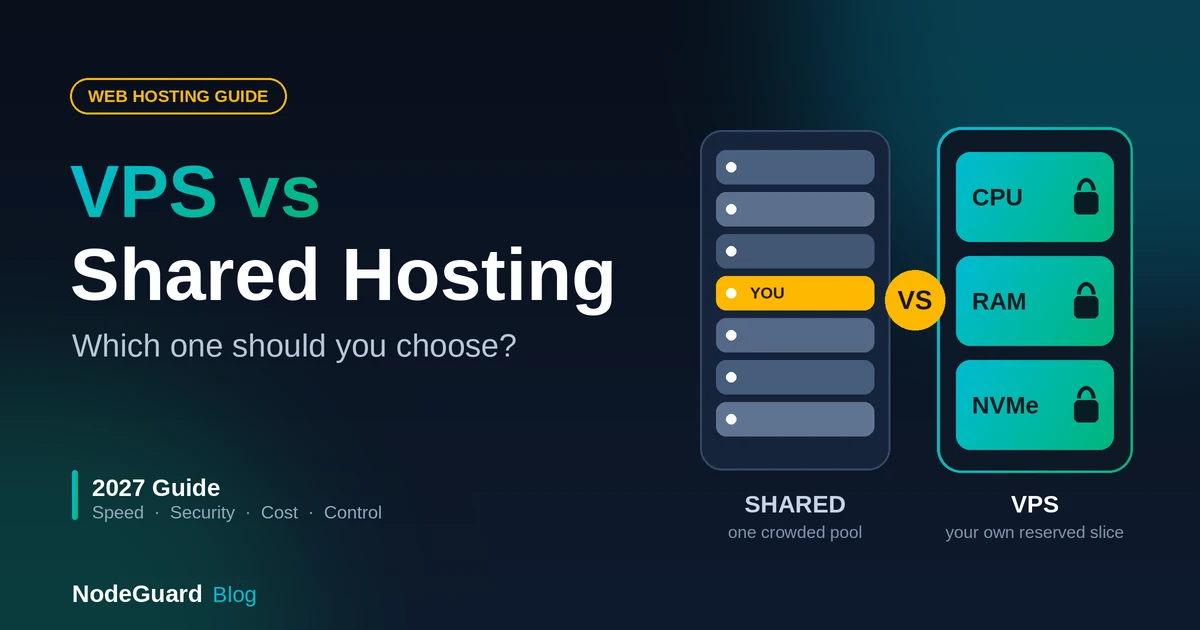
This guide explains how each one works, then walks through seven practical ways to compare them. By the end of this VPS vs Dedicated server comparison you will know which fits your project today and when it makes sense to move up. If you are still deciding between shared hosting and a VPS, start with our guide on VPS vs shared hosting first.
What Is a VPS?
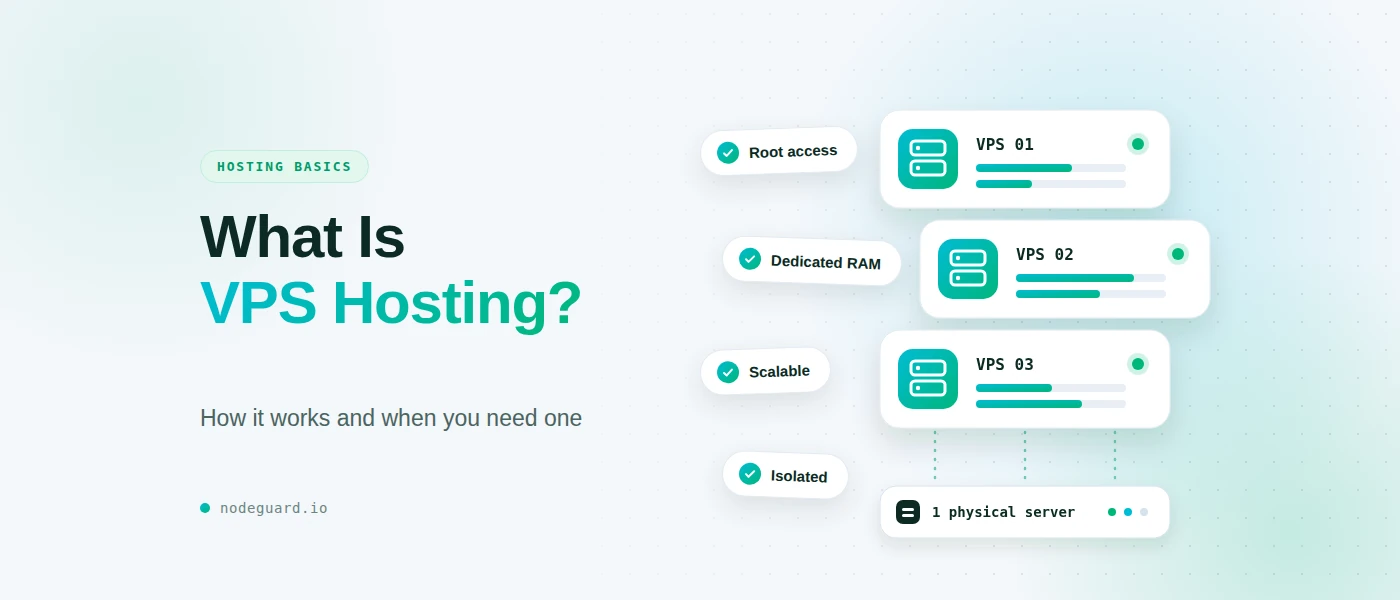
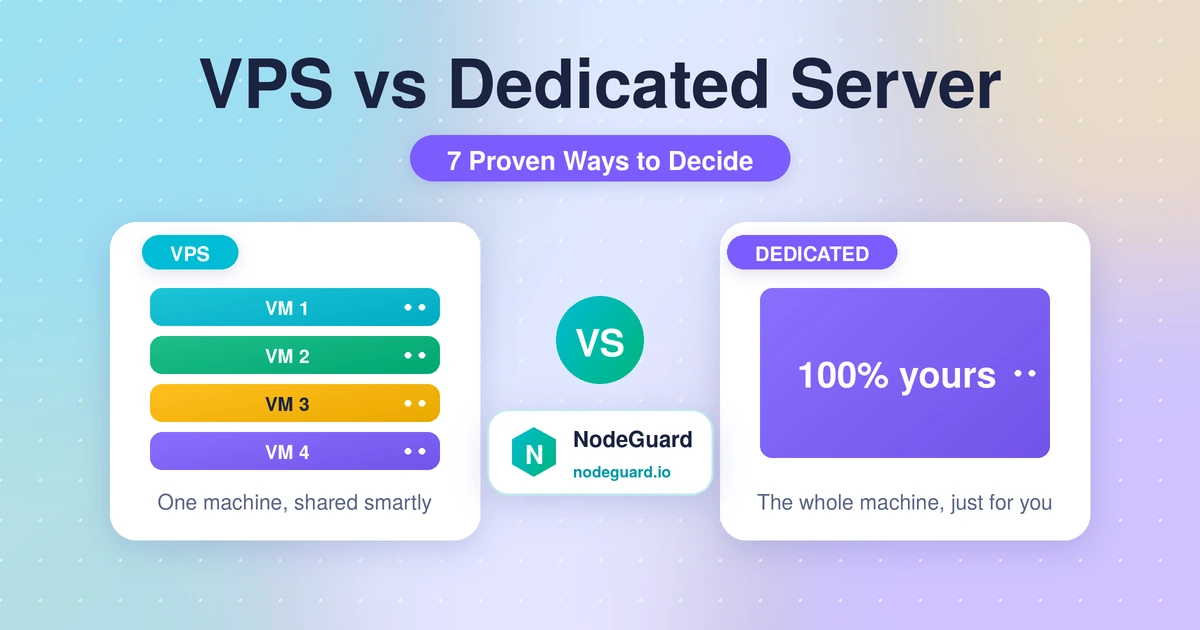
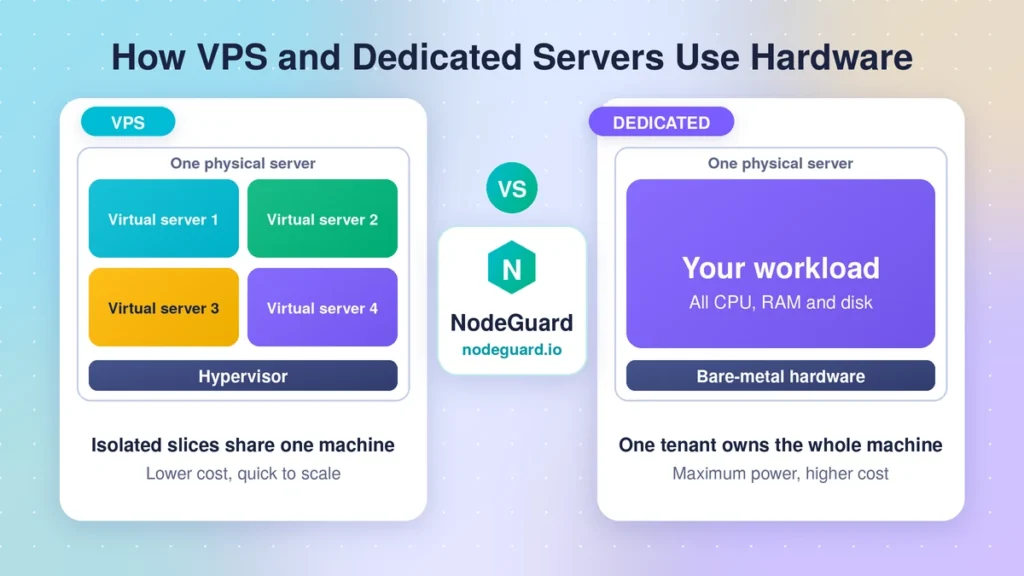
A virtual private server, or VPS, is a slice of a powerful physical machine. A layer of software called a hypervisor divides one server into several isolated virtual servers. Each gets its own guaranteed share of CPU, RAM and storage, plus its own operating system and root access.
Think of an apartment building. You share the structure, but your flat has its own door, its own utilities meter and its own layout. Neighbours cannot walk in, and you can redecorate however you like. The virtual private server model works because modern hardware is far more powerful than most single websites need, so splitting it safely is efficient for everyone.
VPS hosting is popular because it hits a sweet spot: far more control than shared hosting, a fraction of the price of owning hardware, and room to grow. Our own Cloud VPS plans are built on exactly this idea, with NVMe storage and a choice of modern Linux distributions.
What Is a Dedicated Server?
A dedicated server is a whole physical machine rented by one customer. Every core, every gigabyte of RAM and every disk belongs to you alone. There is no hypervisor slicing it up and no other tenant on the hardware, which is why it is often called a bare metal server.
In the apartment analogy, this is owning the entire house. You decide the layout, you can install any fixture you like, and nobody shares the walls. You also pay for all of it, whether you use every room or not. The dedicated hosting service model has been around for decades and remains the standard for workloads that need maximum, predictable hardware performance.
Dedicated server hosting usually means choosing your own CPU, memory, disk layout and sometimes extras such as GPUs or specific network cards. That freedom is powerful, but it comes with a higher bill and more responsibility.
VPS vs Dedicated Server: 7 Proven Ways to Compare
Here are the seven factors that matter most when choosing.
1. Performance
A dedicated server wins on raw, sustained performance. With no neighbours and no virtualization layer, you get every cycle the hardware can deliver. Heavy database queries, video encoding and large game servers all benefit from that.
A well-configured VPS is faster than most people expect, though. Resources are reserved for you, and modern virtualization overhead is small. For websites, online stores, APIs and typical business applications, a VPS delivers response times your visitors will never distinguish from a dedicated machine. If you want to measure what visitors actually feel, look at time to first byte before assuming you need more hardware.
2. Cost
This is where the gap is widest. VPS hosting starts at a few euros per month and scales smoothly. Dedicated server cost is usually many times higher, because you pay for an entire machine, its power, its rack space and its network capacity, whether you use them fully or not.
3. Scalability
A VPS is easy to resize. Need more RAM before a product launch? You can usually upgrade in minutes, often without moving your data. You can also snapshot, clone and rebuild servers quickly.
A dedicated server is tied to physical hardware. Upgrading often means adding components, scheduling downtime, or migrating to a bigger machine. That is manageable if your load is stable and predictable, but frustrating if traffic is seasonal or unpredictable.
4. Security and Isolation
Both options can be very secure when properly configured, because both give you root access to harden the system your way. The difference is what you share.
On a VPS, your virtual server is isolated from others by the hypervisor, and that isolation is strong in practice. Still, you share physical hardware with other tenants, so you depend on your provider keeping the host patched.
A dedicated server has a single tenant, so there is no shared hardware at all. Some compliance frameworks, and some enterprise contracts, explicitly require single-tenant infrastructure. If you handle payment card data, check the PCI Security Standards Council documentation and your auditor’s requirements before choosing.
For most businesses, a hardened VPS with a firewall, key-based login and regular updates is secure enough. Dedicated becomes the answer when a rule or a contract says so.
5. Control and Customization
Both give you full root access, so you can install any software stack you want. The difference is how far down the stack you can go.
On a VPS, the provider controls the hardware and hypervisor. You choose the operating system, software and configuration, but not the physical components.
On a dedicated server, you can often choose the hardware itself: CPU model, RAM amount, disk type and RAID layout, plus GPUs or special network cards. If your workload needs custom hardware, or you want to run your own hypervisor, only a dedicated machine offers that.
6. Management and Maintenance
Neither option is a “set and forget” product unless it is fully managed. With unmanaged hosting, you handle updates, security patches, backups and monitoring yourself.
A VPS is generally simpler here. The provider handles the physical hardware, power and networking, so you only manage the operating system and above. Rebuilding a server from a clean image takes minutes.
A dedicated server adds hardware to the list. Disk failures, memory faults and network issues all become part of the conversation, and fixing them may involve support tickets and waiting for a technician. If you do not have the skills or time, a managed plan helps, but costs more.
7. Reliability and Recovery
Hardware fails eventually, whatever you rent. What matters is how quickly you recover.
A VPS is easier to protect. Snapshots and backups let you restore a whole server in minutes, and many providers can move your virtual server to healthy hardware if the host has a problem.
On a dedicated server, a failed component can mean downtime until it is replaced, unless you have built redundancy such as RAID, a second server or a failover setup. That adds cost and complexity.
Whichever you pick, keep backups off the server itself and test restoring them. A backup you have never restored is only a hope.
VPS vs Dedicated Server: Quick Comparison Table
| Factor | VPS | Dedicated Server |
|---|---|---|
| Performance | Reserved resources, very good | Maximum, whole machine |
| Cost | Low entry price, flexible | Much higher, fixed |
| Scalability | Resize in minutes | Hardware upgrades or migration |
| Isolation | Strong, shared hardware | Single tenant |
| Control | Full root, no hardware choice | Full root plus hardware choice |
| Management | Provider handles hardware | You depend on hardware repairs |
| Recovery | Fast snapshots and rebuilds | Needs redundancy planning |
In short, the VPS vs dedicated server gap comes down to cost, flexibility and how much raw power you will genuinely use.
When a VPS Hosting Is the Right Choice
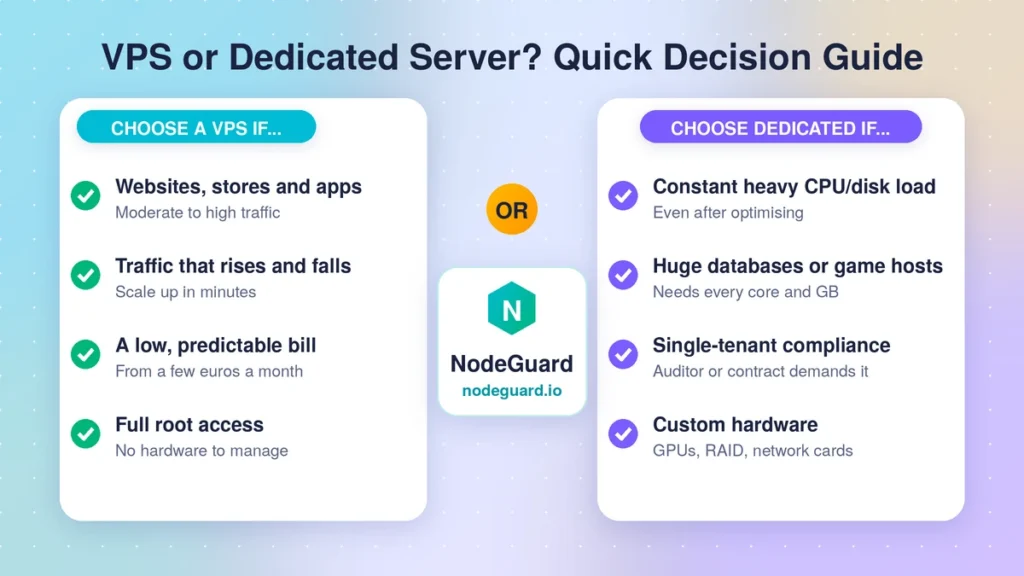
Choose a VPS hosting if most of these describe you:
- You run websites, WordPress, online stores, APIs or business apps with moderate to high traffic.
- Your traffic rises and falls, and you want to scale up or down quickly.
- You want a low, predictable monthly bill.
- You want root access without managing physical hardware.
- You are moving up from shared hosting and want your next step to be affordable.
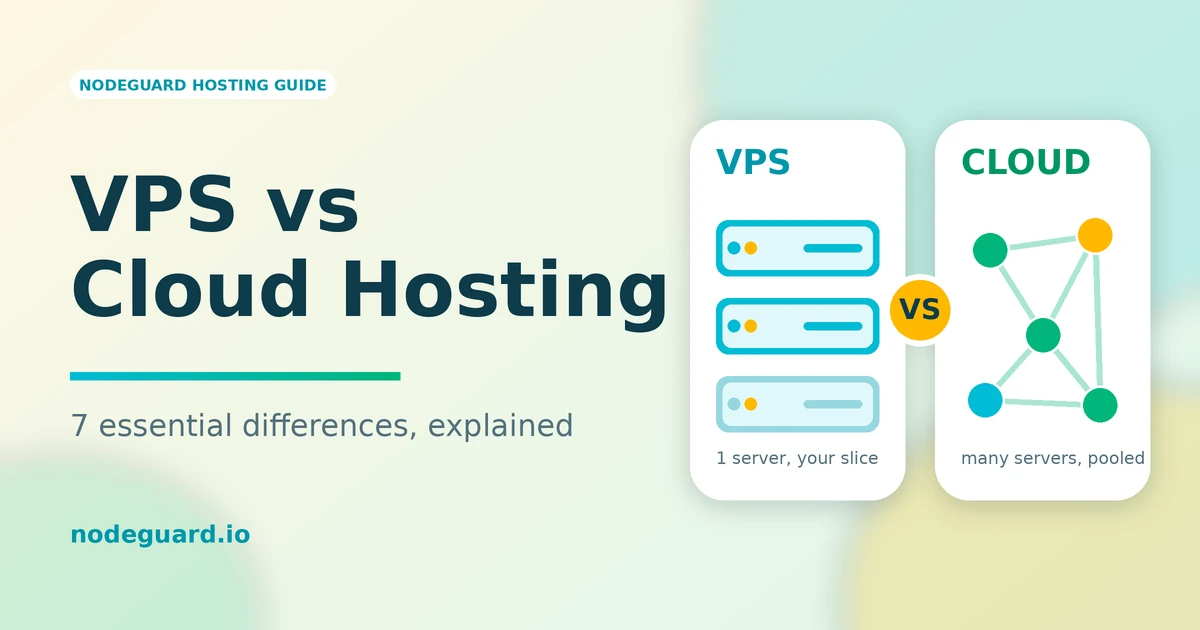
For the large majority of growing projects, a VPS is the right answer, and it stays the right answer for years. If you are also comparing against flexible hosting models, our comparison of VPS vs cloud hosting covers that decision in detail.
When to Upgrade to a Dedicated Server Hosting
A dedicated server makes sense when you can answer yes to one or more of these:
- Your CPU or disk is under constant heavy load, even after you have optimised your code and caching.
- You run very large databases, big game servers or heavy processing jobs that need every core and gigabyte.
- A compliance rule or customer contract requires single-tenant infrastructure.
- You need custom hardware such as GPUs, specific RAID layouts or special network cards.
Notice the common thread: dedicated is a response to measured limits or hard requirements, not a status upgrade. Watch your monitoring for a few weeks first. If a larger VPS plan still keeps up, you do not need to move.
How to Decide: A Simple Checklist
Ask yourself these questions in order:
- Is my server constantly near its CPU, RAM or disk limit after optimising? If no, a VPS is enough.
- Does a contract or regulation require single-tenant hardware? If yes, look at dedicated.
- Do I need custom hardware? If yes, look at dedicated.
- Is my budget limited, or is my traffic unpredictable? If yes, a VPS fits better.
- Do I have the time and skills to manage hardware-level issues? If not, favour a VPS.
If you answered “VPS” to most of these, you have your answer. The cost of starting on a VPS and moving later is small, while the cost of overbuying hardware you do not need is paid every month.
Frequently Asked Questions
What is the main difference in the VPS vs dedicated server or bare metal server choice?
A VPS splits one physical machine into isolated virtual servers, while a dedicated server gives you the whole machine. Price, scaling and control all follow from that single difference.
Is VPS hosting good enough for a busy website?
Yes, in most cases. A properly sized VPS with caching, a fast database and a good CDN handles busy websites and stores comfortably. Upgrade to a dedicated server only when monitoring shows you have outgrown the biggest VPS you can reasonably run.
How much more does a dedicated server cost than a VPS?
Dedicated server cost is typically many times higher than a VPS, because you pay for a whole machine. Exact prices vary by hardware and provider, so compare quotes against what your monitoring says you actually use.
Can I move from a VPS hosting server to a dedicated server later?
Yes. Migrating means copying your files, databases and configuration to the new machine and switching your DNS. With good backups and a short DNS time to live, it can be done with little or no downtime.
Is a VPS secure enough for payments or sensitive data?
It can be, with the right setup: a firewall, key-based login, regular updates, encrypted connections and tested backups. Check your specific compliance requirements first, because some rules require single-tenant servers.
Final Thoughts: Start With What You Need
The VPS vs dedicated server decision comes down to evidence, not ego. If your workload fits comfortably in a VPS, you get strong performance, easy scaling and a friendly price. If monitoring, compliance or custom hardware says otherwise, a dedicated server is a sound next step.
Most projects should start on a VPS, measure, and move only when the numbers demand it. If that sounds like you, explore NodeGuard’s Cloud VPS plans and get a fast, flexible server running today.